Best Coding Toys for Kids 2026: Botley, Osmo and Beyond
The best coding toys for kids in 2026 are screen-free, hands-on robots and sequencing games matched to your child's developmental stage, with Botley 2.0 leading for ages 5–8 and richer programming kits taking over from age 9.
In this article
Why Coding Toys Matter More Than You Think Right Now
Here is a number worth sitting with: the World Economic Forum's Future of Jobs Report (2023) identified analytical thinking, creative thinking, and technology literacy as the top three skills employers will prioritise through 2027. Your five-year-old pressing buttons on a little robot today is, in a very real sense, building the mental architecture for those exact skills.
But most parents standing in a toy aisle or scrolling product pages have the same quiet worry: is this actually educational, or is it just expensive plastic? That is exactly what this article is here to answer.
Over the next few sections you will understand:
1. What "Coding" Actually Means for Young Children
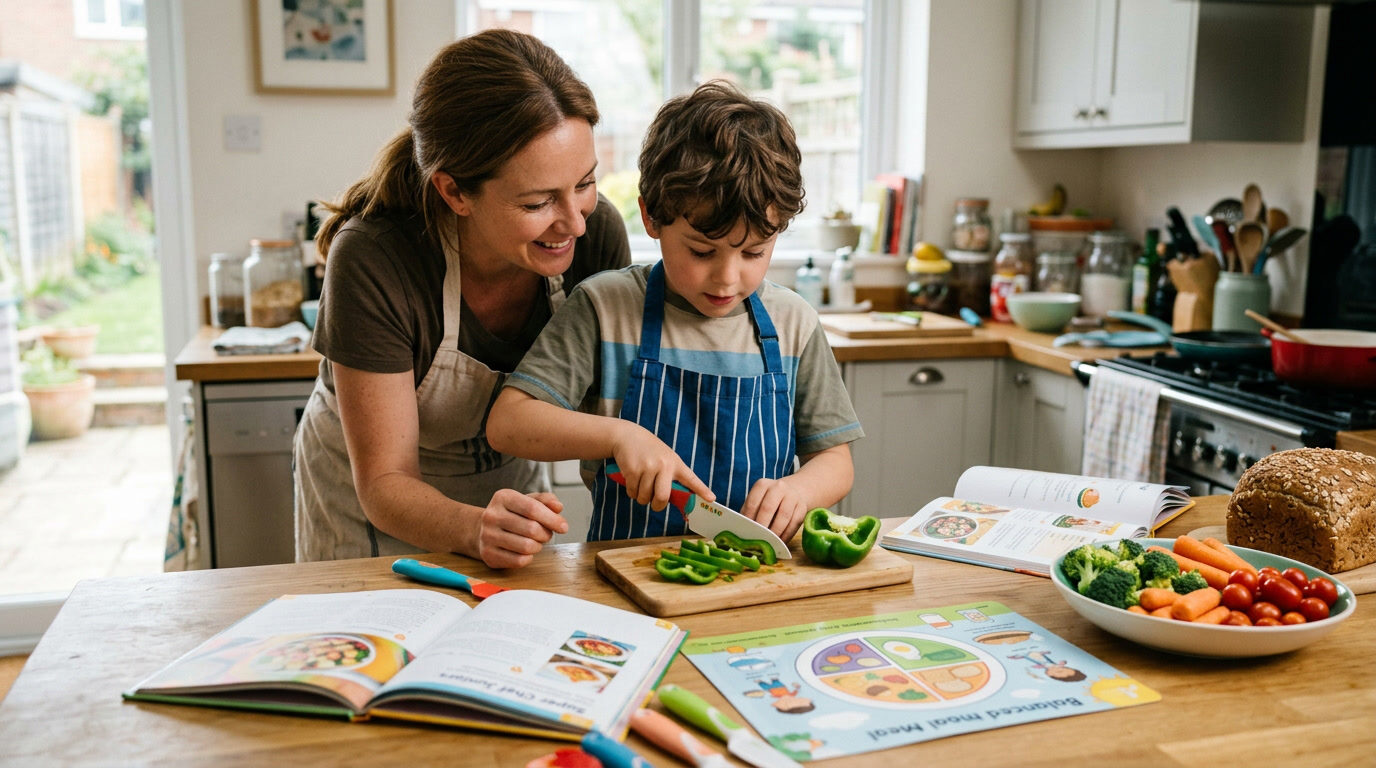
Coding for kids is not about syntax; it is about sequencing, logic, and cause-and-effect thinking. When a four-year-old lines up arrow cards to steer a robot across the floor, they are practising exactly the same computational thinking a software engineer uses to write a loop, just without a keyboard or a screen.
The Computer Science Teachers Association defines computational thinking as the thought process involved in formulating problems and expressing solutions in ways a computer could carry out. What matters for parents is that this thinking develops through physical, embodied play long before abstract symbol systems become accessible to a young brain.
Ages 3–5: Pre-coding foundations
Children at this stage cannot yet hold more than three or four steps in working memory. The right "coding" experience here is cause-and-effect toys: push this button, watch that happen. Simple directional robots with large, chunky buttons are ideal. Complexity is the enemy.
Ages 5–8: Sequencing and loops
Between five and eight, children develop the capacity for rule-based thinking and begin to understand that a series of instructions can be chained. This is the sweet spot for tools like Botley. Understanding what is happening in the 5–8 brain helps you choose the right level of challenge, because giving a six-year-old a tool built for a ten-year-old breeds frustration, not curiosity.
Ages 8–12: Conditionals and real syntax
By middle primary school, children are ready for conditionals ("if this, then that"), variables, and eventually text-based or block-based languages like Scratch or Python. Physical robots with companion apps, or browser-based environments, begin to make sense here.


Learning Resources Botley The Coding Robot Activity Set - 77 Pieces, Ages 5+, Screen-Free Coding Robots for Kids, STEM Toys for Kids, Programming for Kids, for Kids
- EARLY STEM SKILLS: Botley helps your child learn early STEM skills while playing and having fun. He teaches ki
- READY RIGHT OUT OF THE BOX: Botley is ready to code right out of the box! Have 5 AAA batteries and a Phillips
- SCREEN-FREE: Botley features completely screen-free coding: no phone or tablet required. Botley's easy-to-use
2. Screen-Free vs. App-Based Coding Toys: The Real Difference
Screen-free coding toys are better for sustained attention and deeper physical engagement; app-based systems offer richer visual feedback and scalability. Neither is universally superior; the best choice depends on your child's age and your household's existing screen exposure.
The evidence suggests that hands-on, tangible programming interfaces support spatial reasoning and executive function development more directly than touchscreen equivalents in children under eight.
— Journal of Educational Technology & Society (2021)
Screen-free: What you gain and what you give up
Screen-free toys like the Botley range use a physical remote programmer. There is no Wi-Fi setup, no in-app purchases, and no notification pulling your child away from focused play. The tactile act of pressing sequence buttons and watching the robot execute those commands creates a concrete feedback loop that young brains find far easier to reason about than pixels on a screen.
The trade-off is limited visual variety. A physical robot can move, light up, and make sounds, but it cannot render animated characters or update its curriculum automatically.
App-based: What you gain and what you give up
Systems like Osmo connect a tablet to a physical play space using a reflective camera accessory. They blend physical manipulation with rich on-screen feedback, which appeals to children who are already comfortable with tablets and want more visual storytelling.
The science behind why physical toys engage young brains so differently from screens comes down to multi-sensory integration: when a child's hands, eyes, and body all participate, memory consolidation runs deeper.


Learning Resources Botley The Coding Robot 2.0 Activity Set - 78 Pieces, Ages 5+, Coding Robot for Kids, STEM Toys for Kids, Early Programming and Coding Games for Kids
- Coding Toys for Kids: Code right out of the box with the next generation of our Toy of the Year winning coding
- Discover Coding for Kids: 16 fun interactions—transform Botley 2.0 into a train, police car, ghost, and more!
- Expanded Coding Styles: Features expanded coding styles—code through music, lights, and movements!
3. Botley 2.0 Deep Dive: Is It Worth the Price?
Botley 2.0 is worth the price for children aged five to eight because it is the most complete screen-free coding ecosystem for that age window currently available, combining a 78-piece activity set with 16 character interactions, expanded coding through music and lights, and no app requirement whatsoever.
The original Botley won multiple Toy of the Year awards and the 2.0 version builds on that foundation with a smarter remote programmer and richer theming options. Your child can transform the robot into a train, a police car, or a ghost using detachable accessories, which dramatically extends narrative play and keeps the coding motivation alive.
What the 78-piece Activity Set actually includes
The Botley 2.0 Activity Set ships with obstacle pieces, coding cards, character costume pieces, and the remote programmer. Everything needed to run coding challenges is in the box from day one.
The 46-piece standard Botley 2.0 is a lighter entry point at a lower price, useful if you want to trial the system before committing to the fuller set.
Programming capabilities
Botley 2.0 supports up to 80-step programming sequences. That means a child can build genuinely complex instruction chains, including loops and conditional branching in a visual, tactile way. Most children will not exhaust this ceiling before they naturally graduate to app-based or screen-based coding environments.


Learning Resources Botley the Coding Robot - Code Games for Boys and Girls, Robotics for Kids, STEM Programming, Scientific Building Toys, Engineering Gift Set
- SCREEN-FREE CODING - Introduce your child to programming fundamentals without the need for tablets or smartpho
- GROWS WITH YOUR CHILD - Perfect for ages 5+ with 80-step programming capabilities, loops, and advanced obstacl
- IMMEDIATE ENGAGEMENT - Ready to use right out of the box (requires 5 AAA batteries, not included) with simple-
4. Age-by-Age Buying Guide: Matching Toy to Brain Stage
The single biggest mistake parents make when buying coding toys is choosing based on the upper end of an age range rather than the child's current readiness. Here is a practical breakdown.
Ages 3–4: Cause-and-effect robots
At this stage, any toy claiming to "teach coding" should really be called a cause-and-effect toy. Large button presses, immediate single-step responses, and chunky physical pieces are appropriate. Avoid anything requiring multi-step sequences; it is developmentally too early and leads to meltdowns, not learning.
Look for: simple directional robots with one or two command buttons, bright colours, and sturdy build quality.
Ages 5–7: Sequence builders (Botley's sweet spot)
This is when coding toys earn their keep. Children can hold a four-to-six-step sequence in working memory and begin to understand that fixing a mistake means reviewing the whole chain of commands, not just the last one. This debugging behaviour is genuinely valuable executive function practice.
The Botley Activity Set (the original 77-piece version) is an excellent and slightly more affordable entry point here. The Botley Coding Robot Kit with its obstacle-detection features grows with a child through this entire window.
Ages 8–10: Transitional tools
Children begin to crave agency over their coding environment. App-based systems, block-based visual programming (Scratch, Scratch Jr.), and robots with companion apps all become viable. Physical robots that connect to programming environments via Bluetooth bridge the two worlds well.
Ages 10–12: Real syntax readiness
By ten or eleven, many children are genuinely ready for text-based programming. Python-friendly robots, micro:bit kits, and online environments like Code.org's App Lab work well here. The physical-first foundation built in earlier years pays enormous dividends in how quickly abstract syntax concepts click.
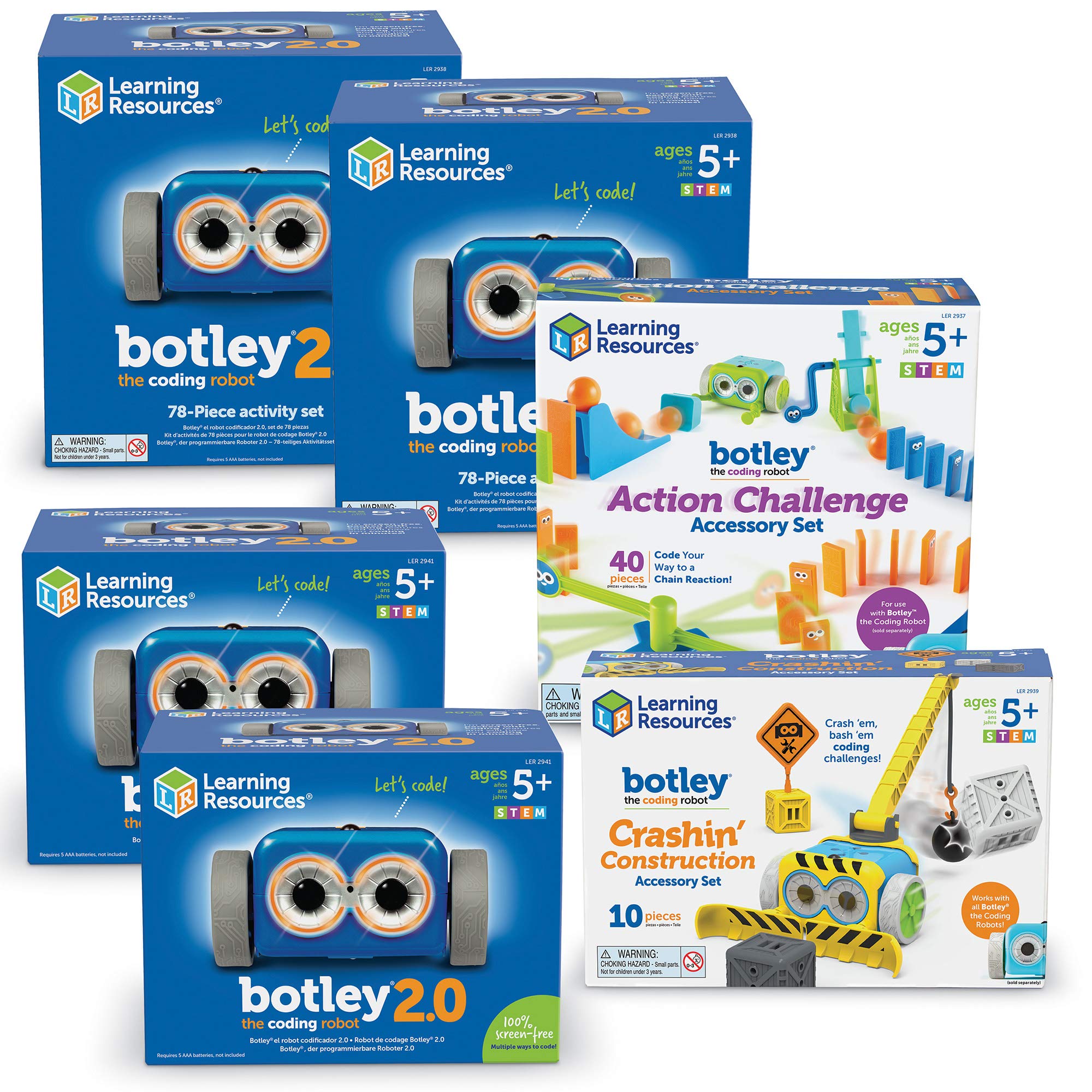

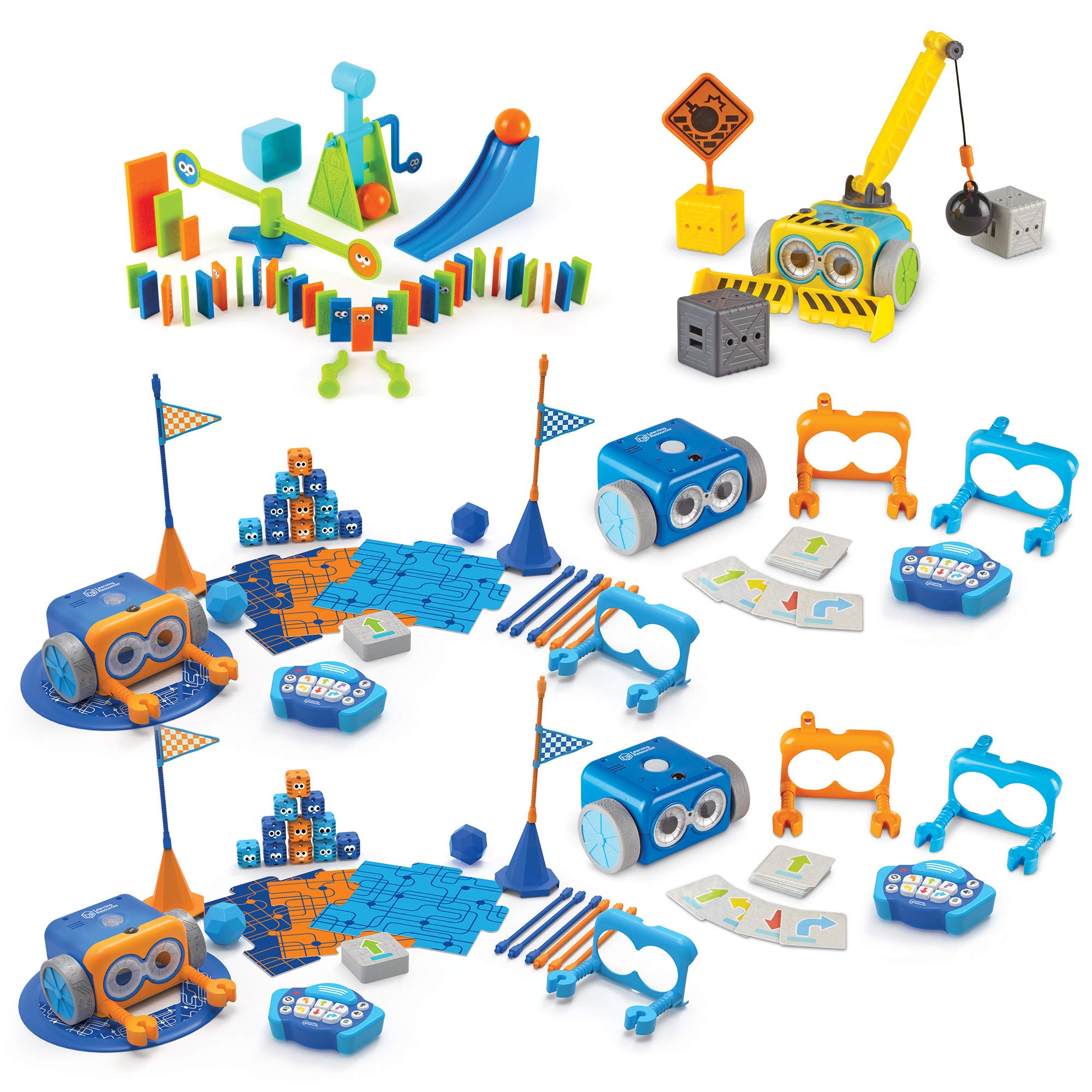
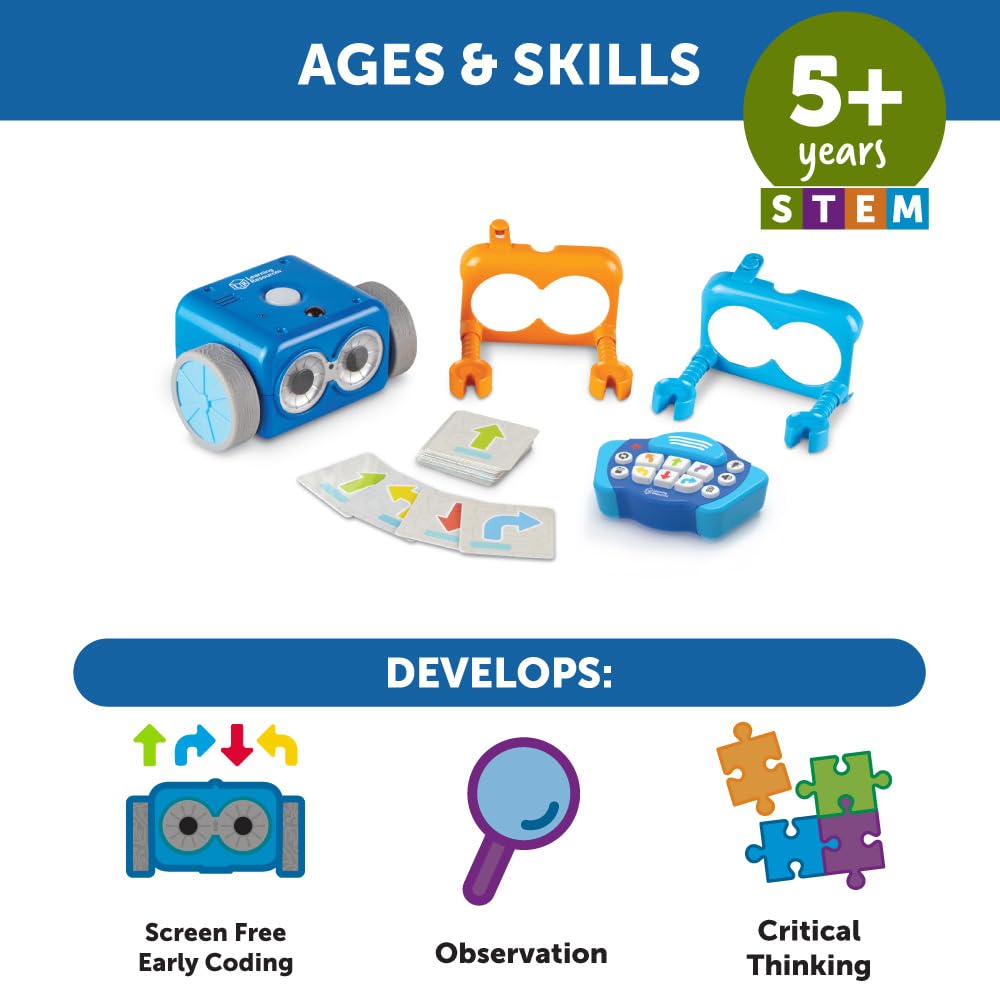
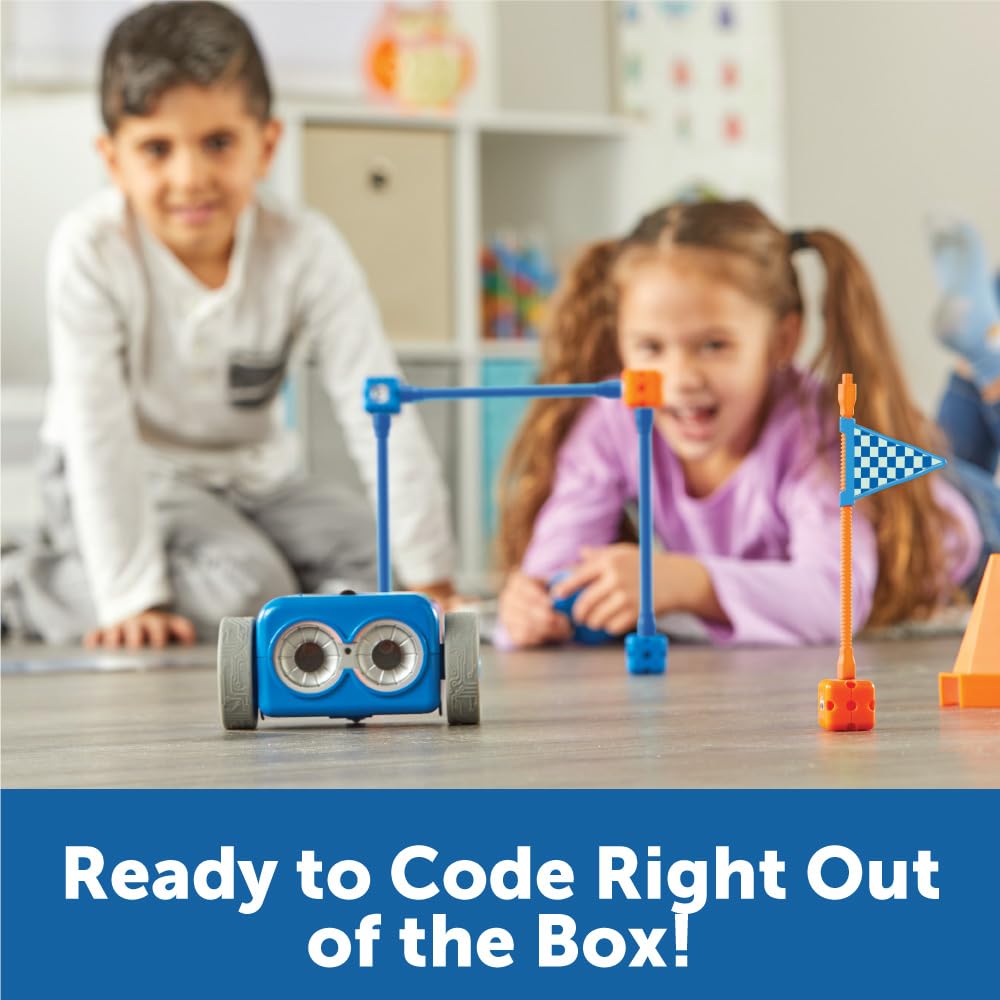
Learning Resources Botley 2.0 The Coding Robot Classroom Set - Elementary STEM Toys, Robotics Kits for Kids age 5-7, Teach Critical Thinking, Coding Bot for Boys and Girls
- SCREEN--FREE CODING MADE EASY - Give students hands-on practice with Botley 2.0, the toy coding robot that tea
- CLASSROOM STEM LESSONS - Designed for whole?class engagement, this coding robotics kit includes two robots plu
- BUILT FOR YOUNG LEARNERS - Created specifically for early elementary learners, this coding robot kit helps chi
5. Coding Toys in the Classroom: What Teachers and Parents Should Know
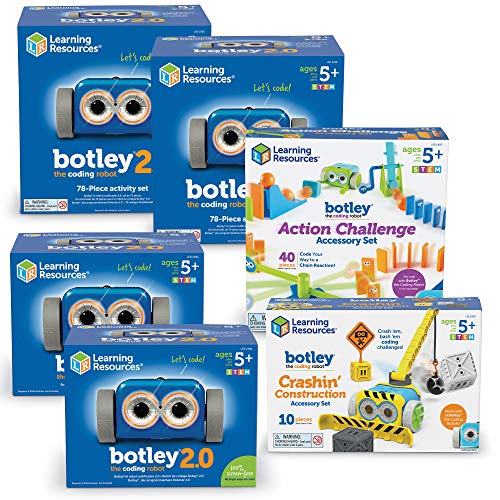
The classroom-grade Botley 2.0 set is designed for group use and is the most cost-effective way to introduce coding play to multiple children simultaneously. With two complete 78-piece sets and two robots in one package, it supports small-group rotations, STEM labs, and after-school coding clubs.
If you are a parent who has been asked by your child's school to help source coding resources, or you are running a home education programme for more than one child, the Botley 2.0 Classroom Set brings the per-child cost down substantially compared to buying individual units.
Why screen-free works especially well in group settings
In a classroom of twenty-five children, managing twenty-five tablets or devices is logistically demanding and introduces significant distraction risk. A screen-free robot requires zero device management: no logins, no updates, no battery-charging infrastructure beyond AA or AAA batteries.
Children also tend to collaborate more productively around a physical object than around a shared screen. The robot becomes a social anchor, provoking discussion, negotiation, and peer teaching, all of which are literacy and social-emotional learning outcomes, not just STEM ones.
Tangible programming tools reduce the cognitive load of learning to code by externalising the program in physical space, freeing working memory for higher-order problem solving.
— Marina Umaschi Bers, Professor of Child Development, Tufts University, "Coding as a Playground" (2017)
Understanding how creative play physically builds the toddler brain clarifies why the hands-on, manipulative nature of tools like Botley produces such reliable engagement even in children who resist more structured learning.


Learning Resources Botley Coding Robot Kit Action Challenge Set, Chain Reaction Game STEM Robot Accessory Pack for Coding Robots for Kids Ages 5 and Up
- WHAT'S INCLUDED: This add-on accessory kit pairs with your existing Botley or Botley 2.0 coding robot (each so
- CHAIN-REACTION STEM DISCOVERY PLAY: Turn this chain reaction kit into a hands-on STEM robot kit adventure as k
- ADD-ON ACCESSORY KIT: This 40-piece robot kit add-on includes a hammer, gate, ramp, 2 balls, dominos, cup, det
6. Getting More From What You Already Have: Accessories and Longevity
You do not always need to buy a new coding toy when your child "outgrows" one; often the right accessory pack doubles the toy's developmental lifespan. The Botley Action Challenge Set is a textbook example.
This 40-piece add-on introduces chain-reaction physics: hammers, ramps, dominoes, gates, and balls that Botley's programmed movements can trigger. Suddenly a child who has mastered basic sequencing is designing multi-stage physical systems that bridge coding logic with real-world mechanics. That is applied engineering thinking, and it costs less than twenty dollars added to a robot your family already owns.
Signs a coding toy has been outgrown (and what to do next)
When you see these signals, the right move is usually to add complexity before replacing entirely. More advanced obstacle configurations, timed challenges, or competitive sibling play can re-engage a child for several more months.
When it really is time to upgrade
If your child is eight or older and has genuinely exhausted a screen-free sequencing robot, it is time to move toward tools with conditional logic and real syntax. At that point, look at block-based environments running on a tablet, micro:bit kits, or Python-friendly robots with Bluetooth companion apps.
Comparison: Which Botley Set Is Right for Your Child?
| Option | Best Age Range | Primary Benefits | Main Drawbacks | Recommended Product | Price Range |
|---|---|---|---|---|---|
| Botley 2.0 Activity Set (78 pcs) | 5–8 years | Most complete set, 16 character modes, music & lights | Higher entry cost | Botley 2.0 Activity Set | ~$80 |
| Botley 2.0 Standard (46 pcs) | 5–7 years | Affordable entry point, screen-free, no app needed | Fewer accessories and challenges | Botley 2.0 Standard | ~$63 |
| Botley Activity Set (77 pcs, v1) | 5–8 years | Proven design, strong reviews, obstacle course included | Fewer interaction modes than 2.0 | Botley Activity Set v1 | ~$64 |
| Botley Coding Robot Kit | 5–10 years | Grows with child, obstacle detection, 80-step capacity | No character costumes | Botley Coding Robot Kit | ~$56 |
| Botley 2.0 Classroom Set | 5–7 years (group) | Two full sets, ideal for classrooms or siblings | High upfront cost, overkill for one child | Botley 2.0 Classroom Set | ~$309 |
| Action Challenge Accessory Pack | 5–10 years | Extends existing Botley lifespan, physics STEM add-on | Requires existing Botley robot | Action Challenge Pack | ~$19 |
Expert Insights on Coding Play and Child Development
Frequently Asked Questions
The Bigger Picture: Raising a Child Who Thinks Like a Problem-Solver
There is a moment every parent notices somewhere around age six or seven: their child stops and stares at a problem instead of immediately asking for help. They are running through possibilities in their head, testing solutions mentally before committing. That is the moment coding play is quietly building toward.
The toys in this guide are not magic. They will not guarantee a future software engineer or data scientist. What they will do, if chosen thoughtfully and introduced at the right developmental moment, is give your child a reliable, joyful way to practise the mental habits that serve humans well in almost any field: precision of thought, willingness to revise, and the confidence that comes from figuring something out yourself.
Start simple. Start screen-free. Start today.
If this article helped you, save it and share it with another parent who is standing in that toy aisle looking slightly overwhelmed. They will thank you.
Sources & References
- World Economic Forum. "Future of Jobs Report 2023." World Economic Forum, 2023. https://www.weforum.org/reports/the-future-of-jobs-report-2023
- Computer Science Teachers Association. "Computational Thinking." CSTA, 2022. https://www.csteachers.org
- Bers, Marina Umaschi. "Coding as a Playground: Programming and Computational Thinking in the Early Childhood Classroom." Routledge, 2017.
- Resnick, Mitchel. "Lifelong Kindergarten: Cultivating Creativity through Projects, Passion, Peers, and Play." MIT Press, 2017.
- Clements, Douglas H. and Sarama, Julie. "Learning and Teaching Early Math: The Learning Trajectories Approach." Routledge, 2021.
- Strawhacker, Amanda and Bers, Marina Umaschi. "Teaching Computational Thinking Through Coding in Early Childhood." Journal of Educational Technology & Society, 2021.
- Joan Ganz Cooney Center at Sesame Workshop. "Learning with Technology in Early Childhood." 2020. https://joanganzcooneycenter.org
- American Academy of Pediatrics. "Media and Young Minds." Pediatrics, 2016. https://publications.aap.org/pediatrics/article/138/5/e20162591
Frequently Asked Questions
At what age should I introduce a coding toy?
Do coding toys actually teach real programming skills?
Is Botley 2.0 worth the upgrade from the original Botley?
What is the difference between Botley 2.0 and Osmo?
Can coding toys help neurodivergent children?
How long will a coding toy hold my child's interest?
Are cheaper coding toys just as good as premium ones?
Was this helpful?
Thanks — your feedback helps us pick what to write next.